Coolmuster iPhone SMS + Contacts Recovery for Mac Online Help
Welcome to the online help center for Coolmuster iPhone SMS + Contacts Recovery for Mac! Here you can get detailed steps, frequently asked questions, as well as the detail information of this products. If you have any questions or suggestions, you can leave your comments here. First of all, let's check the main features of Coolmuster iPhone SMS + Contacts Recovery for Mac together.
Key Features
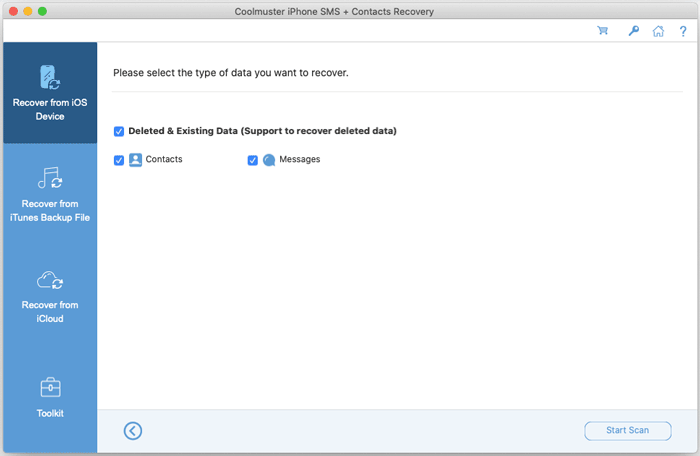
* Recover deleted contacts and messages from iPhones and iPads directly without backup.
* Restore lost contacts, messages and SMS attachments from Finder backup files easily.
* Retrieve existing data from iCloud backup without connecting iOS devices.
* Extract existing contacts, messages, and messages attachments from an iOS device to Mac for backup.
* Extract existing contacts, messages, and message attachments from iTunes and Finder backups to Mac, making data accessible.
* Remain the detailed information of contacts and messages after recovery, like email address, work titles, company names, etc.
* Support data preview before recovery to retrieve the lost data selectively.
System Requirements
OS: Mac OS X 10.10 or later.
Minimum Hardware Requirements: Intel Core 1GHz or faster, RAM 1G and above.
Installation & Uninstallation
Installation
Follow steps below to install this software on your computer. It is very simple.
(1) Click the download link to get the installation file on your Mac.
(2) Open the file, and then drag the Coolmuster iPhone SMS + Contacts Recovery for Mac icon to the "Applications" folder.
(3) Agree to open the app if prompted. Then the installation will be successful.
Uninstallation
When you want to uninstall Coolmuster iPhone SMS + Contacts Recovery for Mac from your computer, you can follow these steps:
(1) Quit the Coolmuster iPhone SMS + Contacts Recovery for Mac software on your computer.
(2) Go to the "Applications" folder, and hover the cursor on the software you want to remove.
(3) Right-click the mouse, and choose "Move to Trash". Or you can directly drag the software to "Trash".
Registration
As soon as you have ordered this software, your email box will receive a letter which contains the register code and the url for downloading the full version. You may either remove the trial version and download the full version on your computer or register the software on free trial version directly.
To register the software, you need to click "Register" on the interface of the software to enter the register interface. It asks you to fill the licensed email and register code. Please note that the email address should be the one you purchased the software.
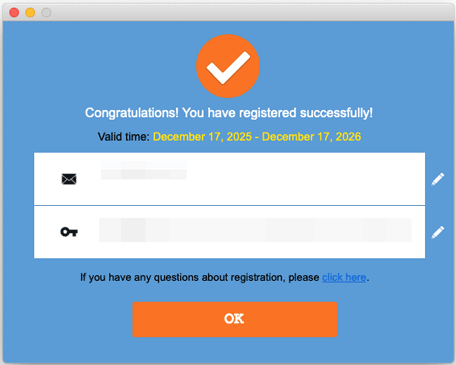
After you have registered the software, click "OK". Then you can experience its full functions by yourself.