Coolmuster iPhone WhatsApp Recovery for Mac Online Help
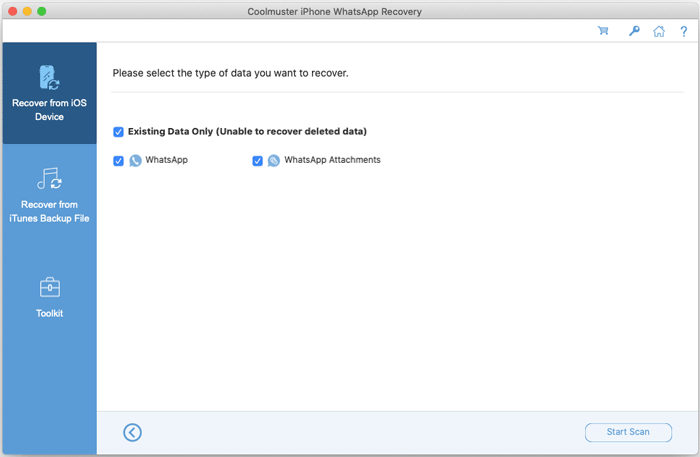
Welcome to the online help center for Coolmuster iPhone WhatsApp Recovery for Mac! Discover the powerful features of this WhatsApp recovery tool below. Follow the guide to install and register the software for efficient WhatsApp data recovery from iPhone and iPad devices on your Mac.
Key Features
* Retrieve WhatsApp messages and attachments from iOS devices on Mac.
* Restore WhatsApp dat from iTunes and Finder backups directly on Mac without connecting iOS devices.
* View and access WhatsApp chat history conveniently on Mac.
* Save your WhatsApp data in HTML and CSV formats for easy access.
* Never change your WhatsApp attachment file formats.
* Support most iOS devices, including the latest.
System Requirements
OS: Mac OS X 10.10 or higher.
Minimum Hardware Requirements: Intel Core 1GHz or faster, RAM 1G and above.
Installation & Uninstallation
Installation
Install Coolmuster iPhone WhatsApp Recovery for Mac effortlessly on your Mac following these steps:
(1) Download the installation package from the provided link on your Mac.
(2) Open the file, and drag the icon of Coolmuster iPhone WhatsApp Recovery to the "Applications" folder.
(3) Agree to open the app on your computer. Then you will install it successfully.
Uninstallation
To uninstall Coolmuster iPhone WhatsApp Recovery on a Mac computer:
(1) Close the app, and quit it on your Mac.
(2) Navigate to the "Applications" folder, find the app.
(3) Right-click the app and select "Move to Trash". Then the app will be removed.
Registration
After purchasing, you can register Coolmuster iPhone WhatsApp Recovery for with these steps:
(1) Launch the program and click the "Key" icon at the top-right corner.
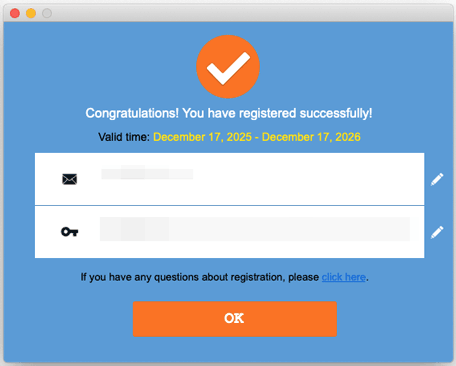
(2) Select "Register" and enter your email and license code from the purchase email.
(3) Complete the registration process to unlock all features for WhatsApp data recovery.
Start recovering your WhatsApp data from iPhone and iPad devices with ease!

