Coolmuster Screen Recorder Online Help
Welcome to the Coolmuster Screen Recorder online help center. Here you'll find everything you need to record your screen and audio with ease—no watermarks after registration, no time limits. If you have any questions or suggestions, feel free to leave your comments. Let's dive into the key features that make screen recording effortless.
Key Features:
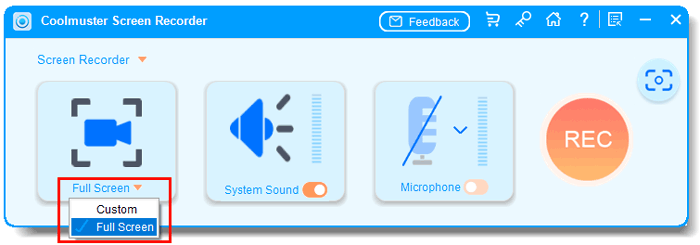
* Record your entire screen, any custom region, or games in stunning HD quality with no time limit.
* Capture full screen or any area with a simple drag-to-select box showing precise pixel dimensions.
* Capture either system audio or your microphone for clean voiceovers or pure system sound recording.
* Save screenshots as PNG/JPG/JPEG/BMP and videos as MP4 with lossless quality—no watermarks after registration, no recording limits.
* Enjoy complete privacy: all processing happens locally on your device; your data never leaves your computer.
Installation & Uninstallation
Installation
Follow the steps below to install this software on your computer. Here's how:
(1) Click the download link to get the installation file.
(2) You will find an .exe file on your computer. Run it and follow the on-screen prompts in the installation wizard to proceed.
(3) After installation, a shortcut icon will be created on your desktop. Double-click it to launch the software.
Uninstallation
To remove the software, go to Windows Settings > Apps > Apps & features, find "Coolmuster Screen Recorder" in the list, and select "Uninstall". Alternatively, run the uninstall.exe file from the software's installation folder.
Registration
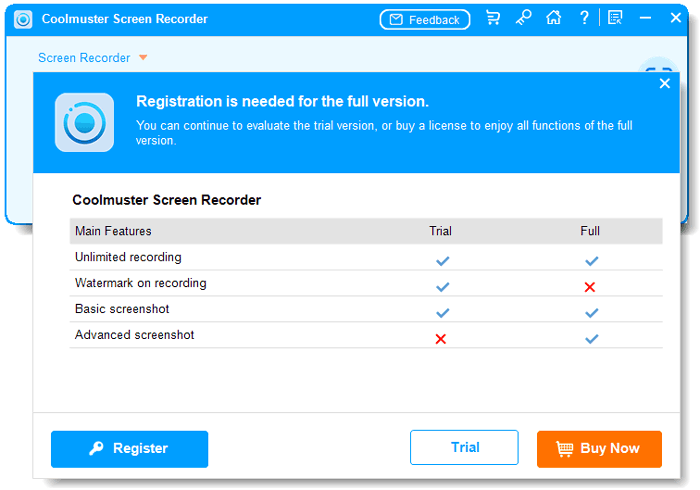
After successfully purchasing the software, you will receive an email containing your license code and a download link. Please follow these steps to register:
(1) Launch Coolmuster Screen Recorder on your computer.
(2) Look for and click the "Register" or "Enter Code" button, typically found in the upper-right corner of the main window.
(3) In the pop-up registration window, enter the email address used for purchase and your unique license code.
Once registered successfully, you will have access to all the software's premium features.