Screen Recorder
 
Coolmuster Screen Recorder

2-in-1 Screen Recording & Capture for Windows

  • Record full screen or custom regions and save videos as MP4 in 4K/8K HD quality.
  • Capture system audio, microphone, or neither while recording your screen.
  • No watermark, no time limit, lossless image quality, lightweight and lag-free.
  • Screenshot full screen or region, edit with shapes/text, save as PNG/JPEG/BMP.
  • Keep everything private with 100% local processing — no uploads, no cloud, no external servers.
Available for: Windows
Free Try Windows 11/10/8/7
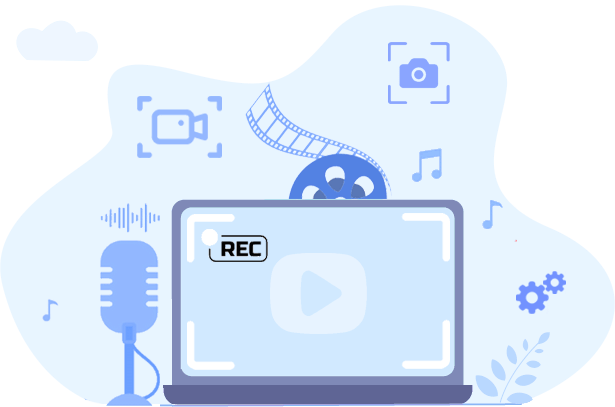
screen recorder banner

Why Should You Choose Coolmuster Screen Recorder?

flexible screen capturing and recording

Record Video in 4K/8K – Full Screen or Any Region

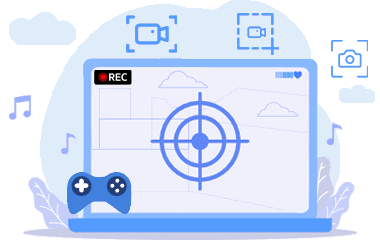
Capture your entire desktop or just a custom area. Save as MP4 in crystal-clear 4K/8K quality - no watermark, no time limit, and no lag:

  • Smart Area Selector: Drag to select any region with real-time pixel dimensions – get exactly what you need without extra editing.
  • Flexible Recording Modes: Record full screen, a specific app window, or a custom region. Unlimited recording sessions.
  • Lightweight & Reliable: Smooth high-resolution recording with minimal system impact – even on modest hardware.
advanced audio control

Choose Your Audio Source – System Sound or Mic

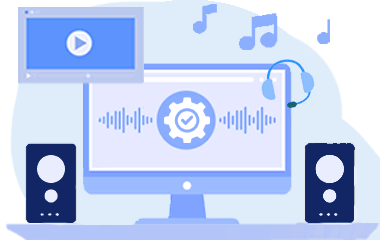
Decide which audio to include. Record either system sound (game, video playback) or your voice – never both, for clean and focused audio:

  • Single-Source Audio: Pick system sound only for gameplay captures, or microphone only for voiceover tutorials. No interference.
  • Flexible Options: Also choose no audio at all for silent demos or privacy-sensitive recordings.
privacy focused local processing

Take & Edit Screenshots – Full Screen or Custom Region

Capture anything on your screen and enhance it instantly. Save as PNG, JPEG, or BMP – all with lossless quality:

  • Easy Screenshot Capture: Grab full screen or drag a custom region. Real-time pixel dimensions help you frame perfectly.
  • Built-in Editing Tools: Add boxes, circles, arrows, lines, or text to highlight key areas before saving.
  • Multiple Formats: Export as PNG, JPG/JPEG, or BMP – whatever suits your workflow.
simple design for easy operation

100% Private – Local Processing, No Uploads

Everything stays on your computer. Your recordings, screenshots, and data never leave your device – no cloud, no external servers:

  • Local-Only Processing: All recording and editing happens directly on your Windows PC. Total privacy guaranteed.
  • Full Ownership: You keep complete control of every file from start to finish. No third-party access, no unexpected sharing.
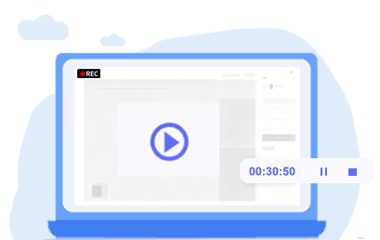
  • One-Click Simplicity: Start or stop recording with a single click. A handy toolbar keeps controls accessible without interrupting your work.

Don't Take Our Word For It

FAQs and Tips for Coolmuster Screen Recorder

How to Record Screen on Windows with Audio How to Record Screen on Windows 10 & 11 How to Screen Record on Mac Step by Step How to Record Live TV on All Devices Top 10 MP4 Screen Recorder to Record MP4 Videos How to Fix PowerPoint Screen Recording Not Working

Our Customers Are Also Downloading

Android Assistant
As the pro Android managing software, it enables you to manage data on a PC easily.
iOS Assistant
As an all-round iOS data manager, it helps you to manage data on iPhone/iPad/iPod easily.
Mobile Transfer
This phone to phone data transfer tool helps transfer files from one phone to another.
10 year of experience
20+ Years of Experience
100% secure
100% Secure
90 day money back guarantee
30-Day Money Back Guarantee
free customer support
Free Customer Support
Terms & Conditions Privacy (UPDATED) License Agreement Uninstall Copyright © 2026 Coolmuster. All Rights Reserved.
feedbackFeedback