iPhone Data Recovery
 
Coolmuster iPhone Data Recovery

iPhone Data Recovery from iOS Devices, iTunes & iCloud

  • Direct iOS Data Recovery: Directly scan and recover deleted or lost data from iPhone or iPad internal storage without backup.
  • Selective iTunes & iCloud Extraction: Preview and restore specific backup data to your computer without overwriting existing device data.
  • Comprehensive Data Support: Recover deleted contacts, messages, and SMS attachments; extract existing photos, WhatsApp chats, notes, calendars and more.
  • Categorized File Preview: Preview deleted and existing iOS data by category to selectively retrieve only target files.
  • Lossless File Preservation: Perform fast, offline, read-only data recovery with zero compression, maintaining original format and quality.
  • Universal iOS Compatibility: Supports all iPhone, iPad, and iPod Touch models up to iOS 27 beta.
Available for: Windows Mac
Free Try Windows 11/10/8/7

iphone data recovery banner Watch the Video Tutorial

Why Should You Choose Coolmuster iPhone Data Recovery?

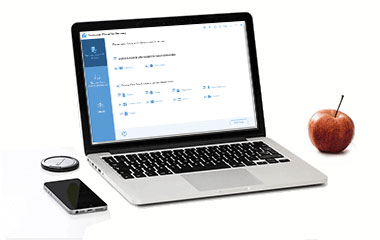
recover deleted files from iPhone without backup

Direct iOS Data Recovery: Retrieve Deleted Files Without Backup

Accidentally deleted a vital file? Stop worrying if you missed your backup window. Securely scan your device to extract lost information directly to your computer, keeping your existing phone data completely untouched.

  • Recover Deleted Contacts & SMS: Scan your iOS device and instantly recover deleted text messages on iPhone without backup, along with deleted contacts, saving them directly to your PC or Mac.
  • Local Media & Text Backup: Export existing contacts, messages, notes, calendars, voice memos, albums, photos, music, videos, books, Safari bookmarks, WhatsApp chats and WhatsApp attachments straight to your local hard drive.
  • Prevent Data Overwriting: Unlike traditional Apple syncs, this read-only extraction saves files to your computer without deleting or replacing the current files on your phone.
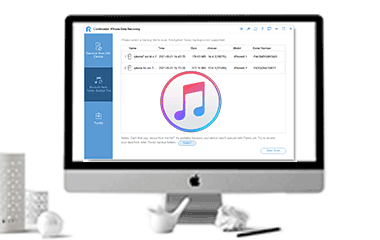
extract iPhone data from iTunes backup

Smart iTunes Backup Extractor: Selectively Restore iPhone Backup

Traditional iTunes restores overwrite your entire phone and erase your current data. This specialized iTunes backup extractor lets you bypass full wipes, allowing you to selectively open, view, and extract specific files from your iTunes backup files.

  • Selective iTunes File Recovery: Safely restore deleted contacts, messages, and message attachments from your iTunes backups without performing a risky full device reset.
  • Encrypted iTunes Backup Support: Input your password to seamlessly access, decrypt, and extract files from password-protected or encrypted iTunes backup files.
  • Versatile Local Data Export: Easily restore iPhone data from iTunes backup to your computer, including contacts, messages, SMS attachments, photos, albums, voice memos, calendars, WhatsApp chats, WhatsApp attachments, notes, note attachments, and Safari bookmarks. (Note: Call history and Safari history extraction are supported for iOS 9 and earlier).
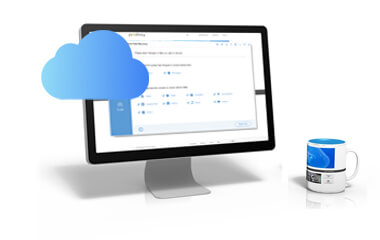
restore iPhone notes from iCloud backup

Secure iCloud Data Recovery: Safe Local Cloud Extraction

Skip slow wireless syncing and expensive cloud storage limits. Access your iCloud backup records through a highly secure interface to download, view, and organize your iCloud files locally on your desktop dashboard.

  • Targeted Cloud Data Retrieval: Easily browse and restore iPhone notes from iCloud, along with other existing cloud note attachments, contacts, albums, calendars, and reminders.
  • Absolute Privacy Protection: Operates in a secure, 100% offline environment to process your cloud data, ensuring zero tracking risks, zero data leaks, and total credential safety.
  • Lossless Transfer Quality: Save your iCloud media and documents directly to your local drive while maintaining their original resolution, structural formats, and file metadata.
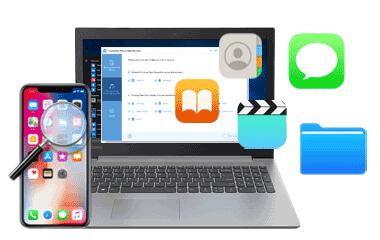
clean iPhone data recovery software

Lossless iOS Data Recovery with Real-Time File Preview

Take full control of your iOS file recovery process with an intuitive, interactive dashboard. Filter your files by categories to ensure you only extract exactly what you need without wasting time or computer storage.

  • Visual File Preview: Browse through deleted and existing data categories in real time before extraction, making it easy to check specific photos, contacts, chat threads and more.
  • Universal iOS Compatibility: Fully compatible with all generations of iPhone, iPad, and iPod Touch, including the latest iOS version.
  • Fast and Damage-Free Operation: Run a secure, read-only scan with this advanced iPhone data recovery software to get your files back quickly without any data corruption or quality loss.

Don't Take Our Word For It

FAQs and Tips for Coolmuster iPhone Data Recovery

Recover Deleted Contacts from iPhone Recover Photos from iPhone Without Backup Retrieve Deleted Text Messages on iPhone Best iPhone Data Recovery Software Recover Permanently Deleted Photos from iPhone Recover Data from iPhone Without Backup

Our Customers Are Also Downloading

Lab.Fone for Android
This Android data recovery allows you to recover deleted/lost data on Android devices.
iOS Assistant
Best iPhone iPad iPod data manager for local backup & restore, selective transfer without iTunes.
iCloud Backup Recovery
This recovery software will assist you in recovering your iCloud backup data without trouble.
10 year of experience
20+ Years of Experience
100% secure
100% Secure
90 day money back guarantee
30-Day Money Back Guarantee
free customer support
Free Customer Support
Terms & Conditions Privacy (UPDATED) License Agreement Uninstall Copyright © 2026 Coolmuster. All Rights Reserved.
feedbackFeedback