Lyrics apps are popular for many reasons, especially because they display song lyrics so users can easily sing along. They are particularly helpful when it's difficult to catch what artists are saying, such as in fast-paced or complex songs. With clear, synchronized lyrics and helpful music features, these apps enhance the overall listening experience. Below are six of the best lyrics apps for iPhone/iPad available today, along with the key features you should look for when choosing the right one.
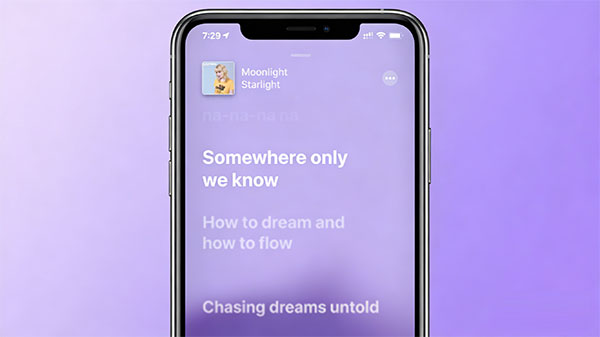
A lyrics app for iPhone is a tool that displays the words of a song while you listen. Many apps provide real-time synced lyrics, so the text scrolls along with the music, making it easy to follow and sing along. Some lyrics apps also include song identification, translations, and background information about the music.
These apps are useful for music lovers, karaoke fans, and even language learners who want to understand songs better. Whether you want to read lyrics, learn meanings, or discover new music, a good lyrics app can greatly improve your listening experience on iPhone.
Looking for an iTunes alternative to sync and manage your iPhone music? This post introduces 8 best music managers for iPhone to help you to transfer, back up and manage your music on iPhone easily.
Musixmatch is one of the most popular lyrics apps for iPhone. It offers a huge lyrics database and real-time synced lyrics for millions of songs. The app can identify songs and display lyrics instantly, making it perfect for singing along or understanding fast-paced music.
Key Features:
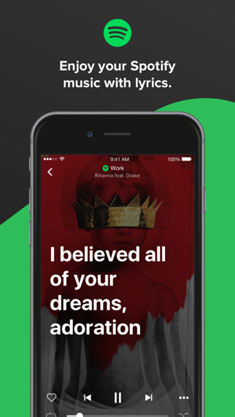
Genius is more than a lyrics app-it is a music knowledge platform. Besides showing accurate lyrics, it explains the meaning behind songs, lyrics, and artists' intentions. This makes it ideal for users who want deeper insight into music. (How to Add Music to iPhone without iTunes?)
Key Features:
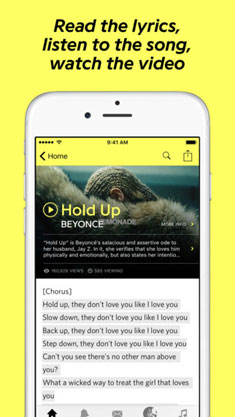
Lyrics Mania is a lightweight and easy-to-use lyrics app for iPhone that helps you quickly find song lyrics while listening to music. It offers a large lyrics library and supports music recognition, allowing you to identify songs and view lyrics instantly. With a clean interface and smooth performance, Lyrics Mania is suitable for everyday music listening and quick lyric searches.
Key Features:

In this article, you'll discover the top 8 music streaming apps for iPhone, making it easy to choose the one that best fits your music listening needs and enjoy your favorite songs anytime.
Shazam is widely known for its powerful music recognition, but it also offers built-in lyrics that appear instantly after a song is identified. With real-time synced lyrics and smooth integration with the Apple ecosystem, Shazam makes it easy to discover music, follow along with songs, and enhance your listening experience on iPhone.
Key Features:
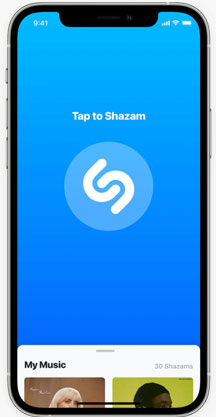
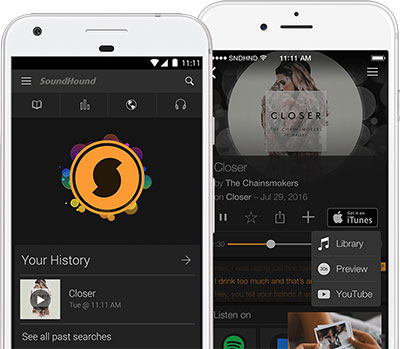
SoundHound is a powerful music discovery and lyrics app for iPhone that helps you identify songs instantly-even by humming or singing. It provides real-time synced lyrics and detailed music information, making it a great choice for users who want both song recognition and an enhanced listening experience in one app.
Key Features:
Many users no longer need a separate lyrics app because Apple Music and Spotify now provide built-in lyrics for a large number of songs. These integrated lyrics features allow you to read and follow the words directly inside the music player, offering a smooth and convenient listening experience without installing extra apps.
Key Features:
While lyrics apps help you read and follow song words, managing your music and lyric files on iPhone can still be challenging. If you want better control over your songs, playlists, and related files, a professional iOS manager like Coolmuster iOS Assistant offers a smarter and more efficient solution for organizing and transferring music data.
Key features of Coolmuster iOS Assistant:
How to Export Music from iPhone to Computer with Coolmuster iOS Assistant:
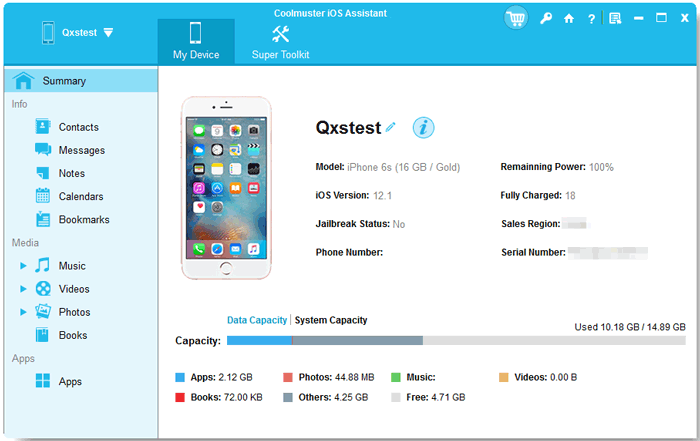
01 Install and launch Coolmuster iOS Assistant on your computer. Use a USB cable to connect your iPhone, then unlock your device and tap Trust if prompted. The software will detect your iPhone automatically.
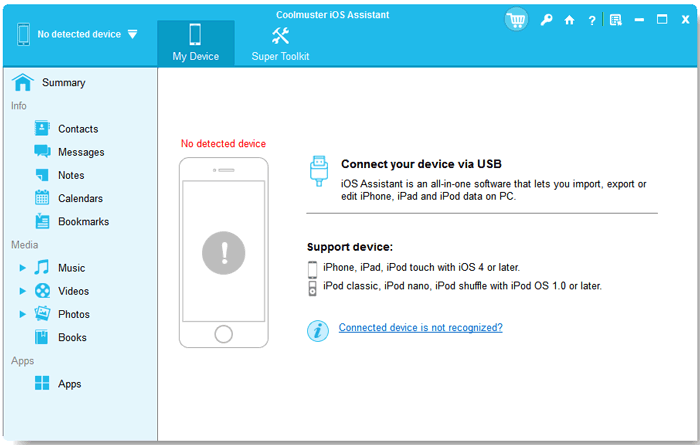
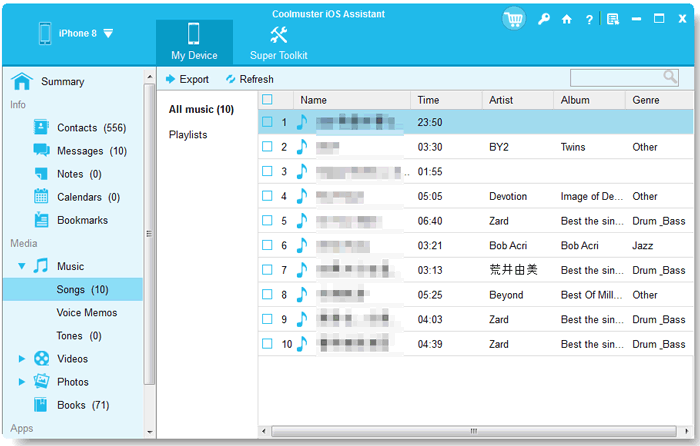
02 In the main interface, navigate to the "Music" tab. You can preview all songs stored on your iPhone. Select the tracks you want to export, or choose "Select All" to transfer your entire music library.
03 Click the "Export" button and choose a destination folder on your computer. Wait for the process to complete-your iPhone music files, including metadata and album art, will now be saved safely on your computer.
Video Guide:
Managing and enjoying music on your iPhone doesn't have to be complicated. Lyrics apps can help you sing along and understand songs, while tools like Coolmuster iOS Assistant take music management to a new level, allowing you to easily organize, back up, and transfer files. By combining the right lyrics app with a reliable iOS manager, you can keep your music library organized and access your favorite songs at any time.
Related Articles:
How to Recover Deleted Music from iPhone in 4 Proven Ways?
How to Transfer Music from Computer to iPhone: Guide 2026




 Free Download for PC
  Free Download for Mac


