Mobile data has become more affordable worldwide, but it still cannot match the speed and stability of Wi-Fi connections. Today, most public areas offer free Wi-Fi hotspots, and people often carry multiple devices, such as laptops and tablets, that need internet sharing. While most smartphones include a built-in hotspot feature, it often has limitations in speed, range, or control.
Fortunately, many developers have created advanced hotspot apps for Android that make sharing connections easier, faster, and more secure. This article lists the best hotspot applications for Android; some offer free tethering options, while others include premium features for advanced users.
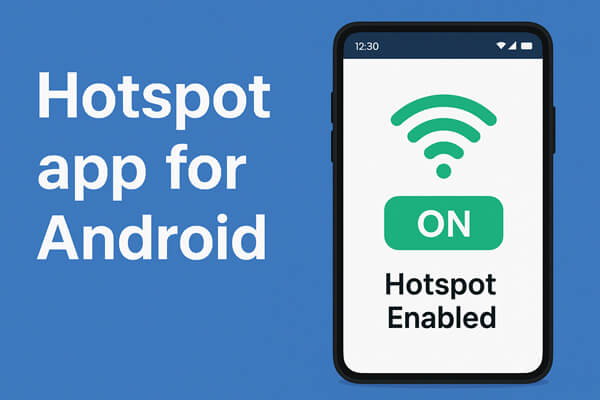
Wifi Hotspot Portable is a simple yet functional app designed to turn your Android phone into a portable Wi-Fi router. It's perfect for people who frequently travel or have devices that can't use mobile data directly. The app detects your carrier's network type (4G/5G) automatically and allows you to customize your SSID and password for better control.
You can view connected devices, monitor data usage, and even set automatic shutdown times to save battery life. Its interface is clean, and all features are easily accessible, making it beginner-friendly.
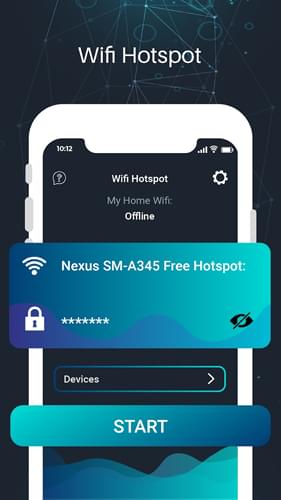
WiFi Map is one of the world's largest Wi-Fi sharing platforms, connecting users to over 150 million hotspots across the globe. It's an ideal tool for travelers who need reliable internet access without relying on mobile data. The app features a detailed map navigator where users can locate nearby Wi-Fi points, view shared passwords, and even contribute new hotspots to the database.
Additionally, WiFi Map supports offline map downloads, allowing users to find connections even when they're out of signal range. It also includes a built-in VPN to protect user privacy when connecting to public networks, along with a speed test tool to help evaluate the quality of each connection.
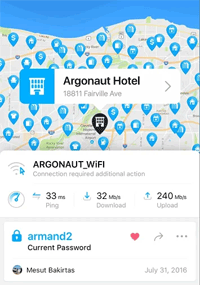
Developed by Gomin Mobile, WiFi Hotspot, Personal Hotspot offers a smooth experience for users who want to share mobile data with nearby devices. With just one tap, your Android phone becomes a secure access point.
You can monitor connected devices, adjust your security settings, and select either 2.4GHz or 5GHz frequency (depending on device capability). The app also provides data usage reports so you can manage your connection effectively.
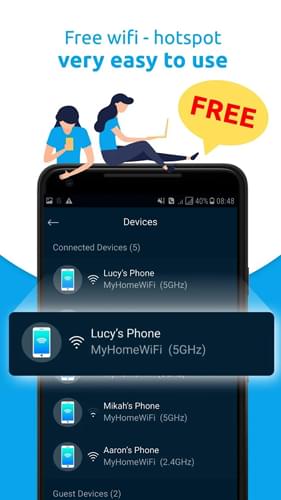
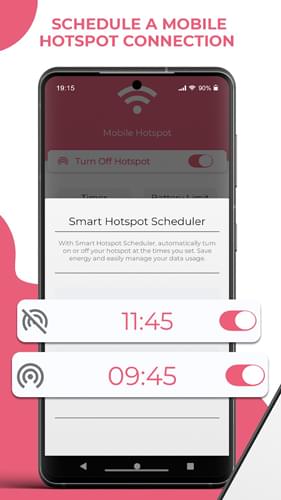
Mobile Hotspot is a versatile and secure app that offers a smarter way to share your Wi-Fi connection. Unlike many free hotspot apps, it allows you to set a hotspot timer, which automatically turns off the connection after a specified duration, such as 5, 15, or 30 minutes, or any custom time you prefer. It also gives you full control over data usage, automatically disabling the hotspot once a predefined data limit (like 50MB, 100MB, or 150MB) is reached.
In addition, the app helps preserve your phone's battery by automatically shutting down the hotspot when the battery level drops to a certain percentage - for instance, 10%, 15%, or 20%. These smart features make Mobile Hotspot an ideal choice for users who want a safe, energy-efficient, and data-conscious way to share their mobile internet connection.
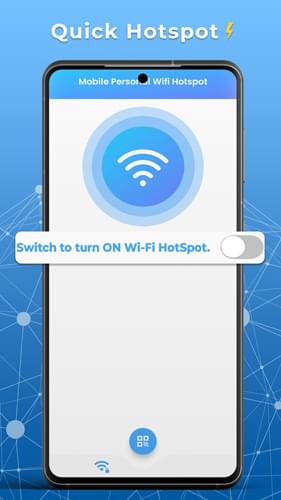
Mobile Personal Wifi Hotspot is a completely free and easy-to-use app that turns your Android phone into a personal hotspot in seconds. With its intuitive interface, you can quickly share your mobile data connection with nearby devices such as laptops and tablets without needing any complicated setup.
What makes this app stand out is its intelligent control features. You can set a timer to automatically turn off the hotspot after a chosen period, helping you save battery and data. It also includes a one-tap speed test to check the performance of your hotspot in real time. Furthermore, you can set data limits; once the limit is reached, the hotspot will either turn off automatically or send you a notification.
To protect your battery life, the app can also automatically disable the hotspot when your phone's battery reaches a certain level. Combining convenience, efficiency, and safety, Mobile Personal Wifi Hotspot is a practical solution for anyone who frequently shares mobile internet on the go.
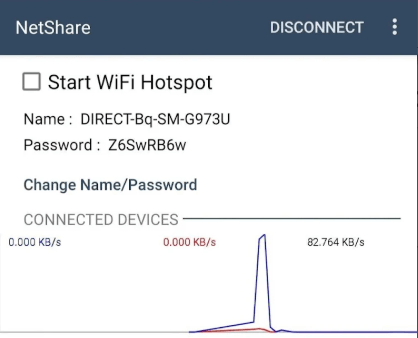
NetShare is one of the most advanced hotspot apps for Android, especially useful when your mobile carrier blocks tethering. It allows no-root tethering using Wi-Fi Direct or a proxy-based method, so you can still share your data safely.
You can connect multiple devices simultaneously, including laptops and tablets. The app encrypts all data transmissions to protect your privacy and works across most Android versions.
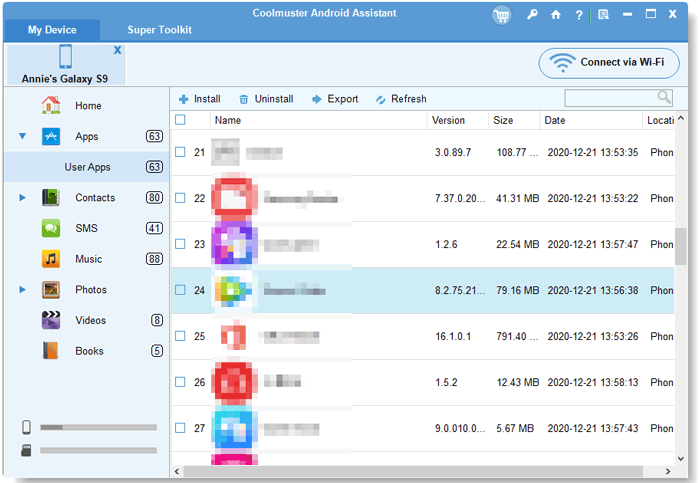
If you no longer need these hotspot apps, you can remove them easily from your computer using Coolmuster Android Assistant. This tool allows you to manage, install, and uninstall Android apps in bulk without touching your phone. This method is quick, safe, and ideal for users who manage multiple Android devices.
In addition to hotspot management, this software also allows you to transfer data such as contacts, photos, and text messages between your Android device and computer. You can even edit contacts, delete photos, and reply to SMS directly from your computer. Whether you're using a Samsung, Huawei, HONOR, or any other Android device running Android 6.0 or above, this program fully supports it.
Steps to uninstall Android apps via Coolmuster Android Assistant:
01Download and install Coolmuster Android Assistant on your computer.
02Connect your Android phone to the computer via USB and enable USB debugging.
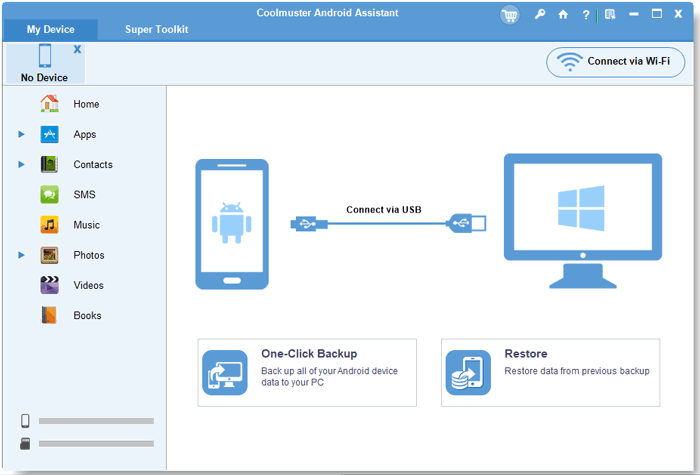
03Once connected, go to the "Apps" tab in the program interface.
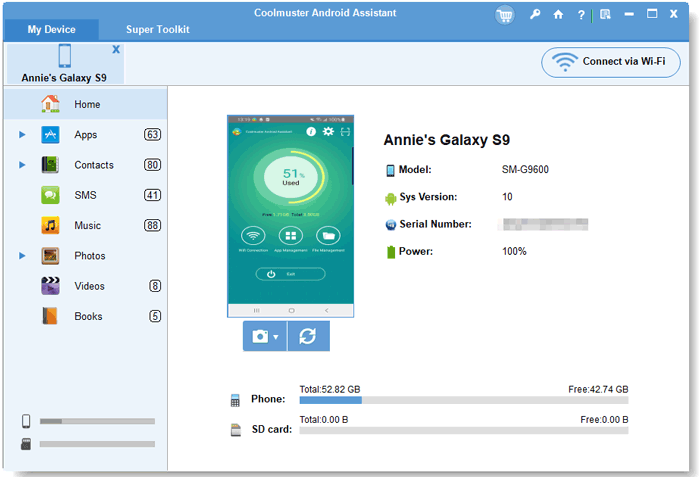
04Select the apps you want to remove (such as hotspot tools). Click "Uninstall" to delete them in bulk from your device.
Whether you need a quick solution for sharing your mobile data or advanced tools for managing multiple connections, these hotspot apps for Android offer excellent flexibility and performance. Each app caters to different needs, from basic personal sharing to global Wi-Fi access.
And when you decide to uninstall some of them, Coolmuster Android Assistant provides the most convenient way to manage and remove apps directly from your computer.
Related Articles:
Best Android Wi-Fi File Transfer Apps - Top 7 Picks and Reviews
5 Easy Methods to Transfer Files between Android Devices via Wi-Fi
How to Transfer Files from Phone to PC Wirelessly? [6 Ways]
How to Transfer Photos from Android to Computer (Top 8 Ways)





 Free Download for PC
  Free Download for Mac


