"It has become really annoying. The screen keeps ghost touching on the fingerprint area. Does anyone else have this issue? How to fix ghost touches?"
- From Reddit
Have you ever experienced your Android phone screen tapping itself, opening apps randomly, scrolling without touch, or inputting characters automatically? This uncontrollable malfunction is known as ghost touch, a common touchscreen issue on Android devices that can range from minor glitches to persistent hardware damage. Ghost touch not only disrupts everyday activities like texting, browsing, gaming, and calling, but it can also leave users frustrated and confused about how to fix it.
If you are wondering how to fix ghost touch on Android phone, this guide will help. We will explore the main causes behind ghost touch, discuss whether it is repairable, and provide 9 actionable methods to effectively fix ghost touch on your Android device.
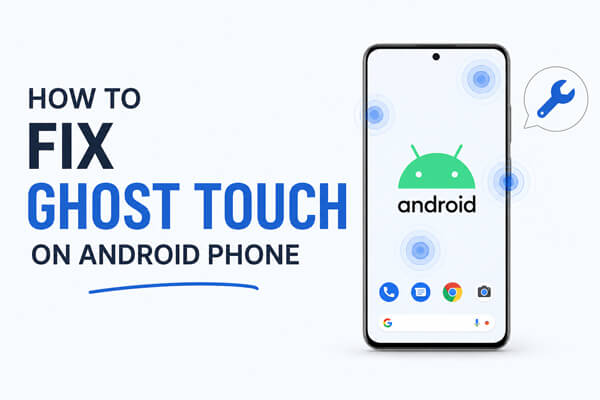
Ghost touch does not occur without reason. Its causes can be divided into two core categories: software-related glitches and hardware physical damage. The specific common causes are listed below:
The good news is that most ghost touch issues on Android can be repaired, especially when they are caused by software glitches or minor hardware factors.
Combined with the above causes, we sort out 9 practical solutions from simple to complex. You can follow the steps in order to troubleshoot and fix Android ghost touch, avoiding unnecessary complicated operations.
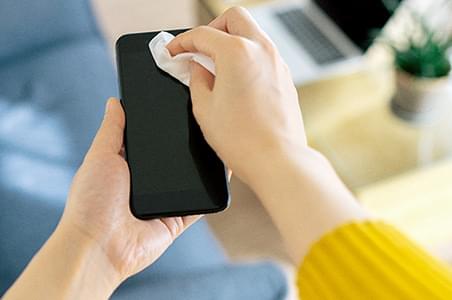
A dirty or damp screen is one of the most common causes of ghost touch. Fingerprints, dust, or moisture can interfere with the touchscreen sensor and cause random taps. Power off your phone, then gently wipe the screen with a soft, lint-free microfiber cloth, avoiding corrosive liquids like alcohol or disinfectants. Make sure your hands are dry before using the phone. At the same time, inspect the screen for any cracks, scratches, or pressure marks, as physical damage can also trigger ghost touch. If you notice damage, further repair may be needed.
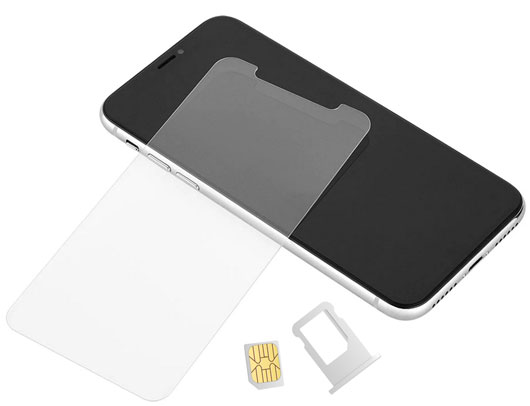
Screen protectors or tight phone cases that do not fit perfectly can press the screen unevenly and cause false touches. Temporarily remove the screen protector and the case, then observe whether the ghost touch disappears. If the screen returns to normal, replace the protector with a high-quality, thin, and fully fitted one.
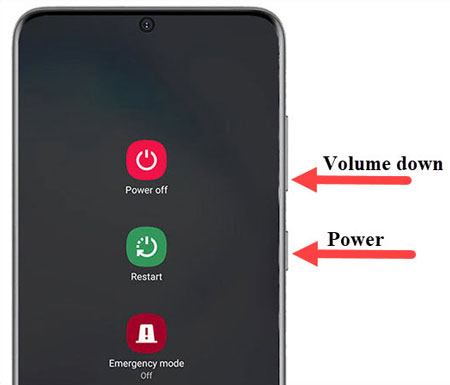
Temporary system glitches or cached data can trigger ghost touch. Performing a force restart refreshes the touchscreen driver and clears stuck background processes. To do this, press and hold the "power" button and "volume down" button simultaneously for about 10-15 seconds until the device powers off and restarts. After the reboot, most accidental ghost touch issues are usually resolved.
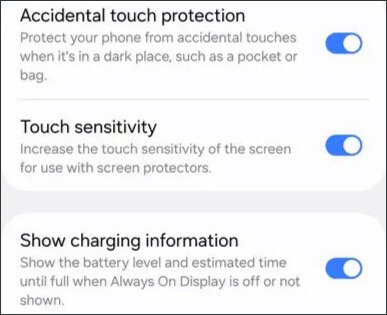
Most Android brands, such as Samsung, Xiaomi, and OPPO, are equipped with touch sensitivity adjustment functions. The high-sensitivity mode (glove mode) is designed for use with gloves, but it will make the screen extremely sensitive and easily induce false touches.
You can go to "Settings" > "Display" > "Touch Sensitivity", turn off the high sensitivity or glove mode, and restore the default touch parameters. For some gaming phones with customized touch settings, reset the touch sampling rate to the standard value to avoid abnormal sensitivity.
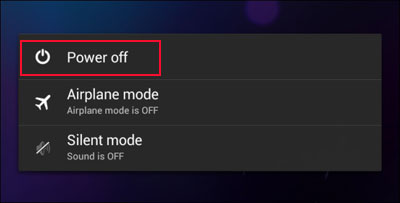
Conflicts from third-party apps or accumulated system cache can cause persistent ghost touch. To identify the problem, enter Safe Mode by long-pressing the "power" button and then long-pressing "Power Off". In Safe Mode, all third-party apps are disabled. If the ghost touch disappears, a downloaded app is causing the issue. Uninstall recently installed or rarely used apps one by one, focusing on cleaners, floating window apps, or modified apps. Additionally, clear system cache regularly via "Settings" > "Storage" > "Cached Data" to prevent interference.
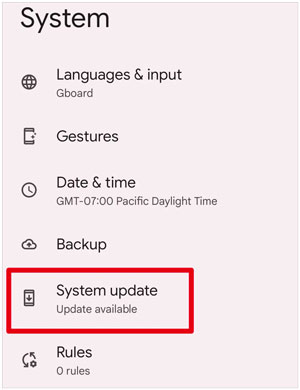
Mobile phone manufacturers will continuously release system updates to fix known vulnerabilities, including touch screen bugs. Outdated system versions are prone to compatibility errors, resulting in ghost touch. Open "Settings" > "System" > "System Update", check for available official updates, and download and install the latest stable version.
For complex system-level failures that cannot be solved by conventional methods, professional Android system repair tools are reliable choices. Android Repair can fix persistent ghost touch caused by system glitches or corrupted firmware without requiring technical skills or root access.
Key features of Android Repair:
Follow these steps to fix ghost touch on your Android device:
01Open Android Repair on your computer. On the main screen, click "System Repair", then select "Android Repair" to continue.
02Connect your Android phone to the computer using a USB cable. Once the software detects your device, click "Repair Now".
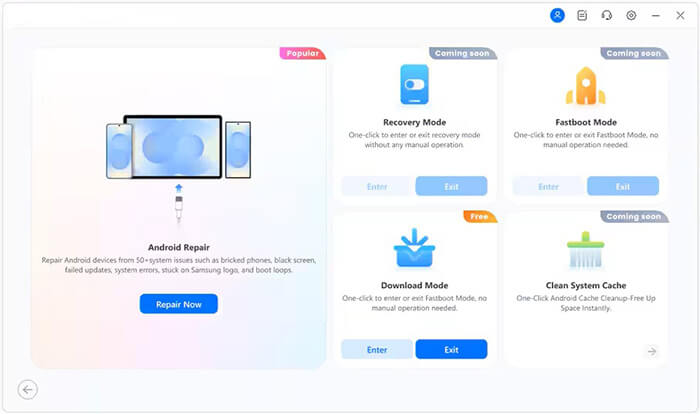
03Enter the correct device information, including brand, model, region, and carrier if required, then click "Start".
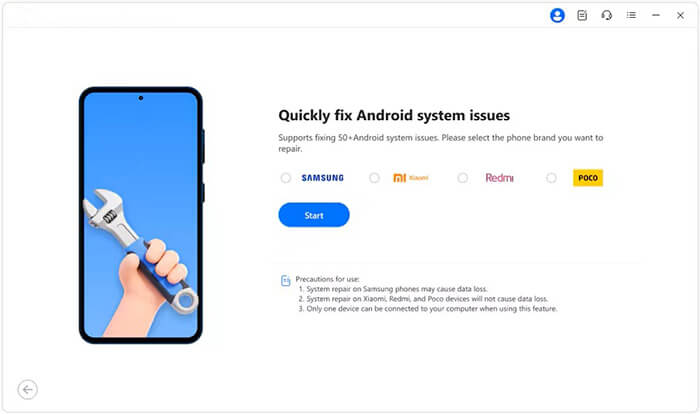
04Follow the on-screen instructions to boot your device into Download Mode (Odin Mode on certain devices).
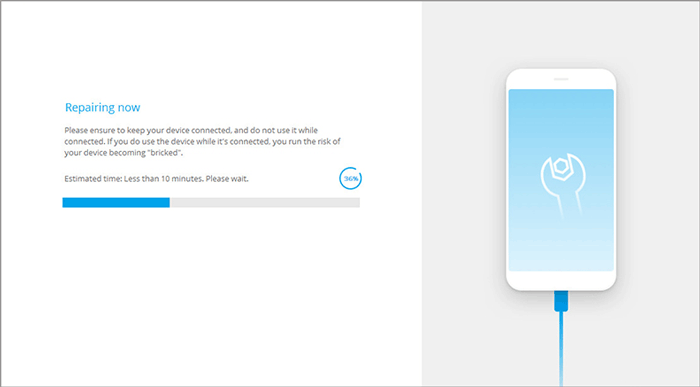
05After entering the required mode, the program will automatically download the firmware and repair your system. When finished, your device will reboot, and ghost touch or other touch-related glitches should be resolved.
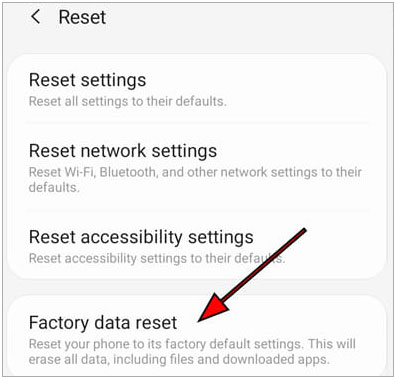
For severe software-related ghost touch that cannot be resolved by other methods, performing a factory reset is the final solution. This will restore your phone to its original settings, removing system bugs, malicious apps, and abnormal configurations that may cause ghost touch, so back up your Android phone before factory reset.
To reset your device, go to "Settings" > "System" > "Reset Options" > "Factory Data Reset". After confirming, the phone will restart, and most persistent software-induced ghost touch should be resolved.
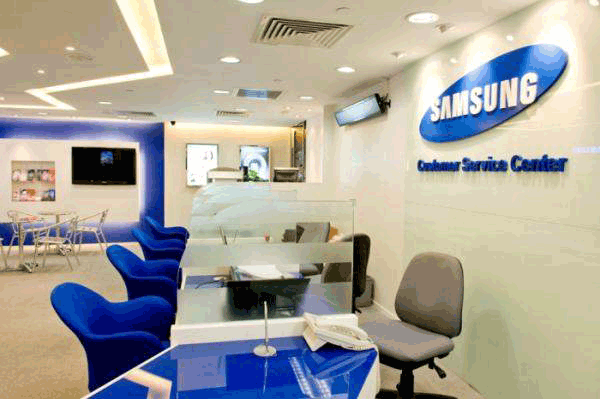
If ghost touch persists after all software-based solutions, the issue is likely due to hardware damage. Common causes include a cracked digitizer, loose screen wiring, internal water damage, or pressure from an aging battery. Do not attempt to disassemble the phone yourself, as this can worsen the damage. Instead, visit an official service center or a reputable repair shop. Professional technicians can inspect the screen sensor, circuits, and internal components. In most cases, replacing the screen assembly completely resolves hardware-induced ghost touch. For older devices with high repair costs, consider replacing the phone if appropriate.
Ghost touch is a troublesome but solvable Android screen failure. Most users can eliminate the problem with simple operations such as cleaning the screen, restarting the phone, and adjusting touch sensitivity. For software-related issues, updating the system or performing a factory reset can thoroughly repair hidden bugs. If ghost touch is caused by system glitches that cannot be fixed with conventional methods, professional repair tools like Android Repair provide a safe and effective solution.
For hardware damage, seeking professional maintenance remains the safest approach. To prevent ghost touch, it is recommended to use high-quality phone accessories, avoid drops and water exposure, and clean the screen regularly. By following the step-by-step methods in this article, you can get rid of ghost touch and restore the smooth touch experience of your Android phone.
Related Articles:
Android Crash? 10 Tricks to Fix Android System Crash to Normal
Troubleshooting Guide: How to Fix Android Phone Says No Service
Android Phone Keeps Turning Off Randomly? 12 Fixes Here
What to Do When Android Phone Won't Turn On | 7 Solutions [Tested]







 Free Download for PC

 Download for Mac

