Wondershare MobileGo for Android is basically iTunes for Android devices. It can display photos, videos, music, contacts, messages, etc., from your device on a computer in an aggregate way over USB or Wi-Fi. However, this tool is antiquated. In this case, we have tested and summarized 9 alternatives to Wondershare MobileGo for Android, helping you transfer and manage your Android data with ease.

Coolmuster Android Assistant is a versatile tool that allows you to manage your Android device effortlessly. It provides features such as backup and restore, file management, data transfer, and app management.
With a simple interface, it allows you to transfer music, contacts, videos, photos, and other files between your Android device and computer without any hassle. It is especially helpful for people who need a comprehensive solution for managing their Android data.
Key features of Coolmuster Android Assistant:
Pros:
Cons:
Download the Android Assistant software.
Here's how to use this MobileGo alternative:
01Download and install Coolmuster Android Assistant on your computer. Then launch the software and connect your Android device to the computer with USB. You can also use the same Wi-Fi network for the connection.
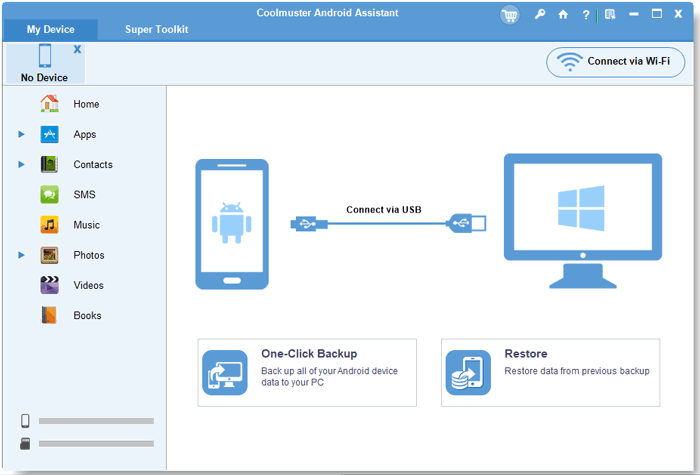
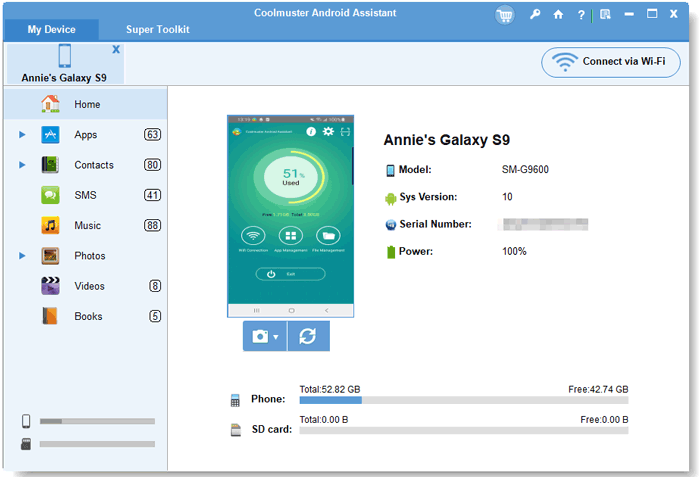
02Enable the USB debugging feature on Android, and the software will recognize your device quickly. Once done, you will see your device information on the interface.
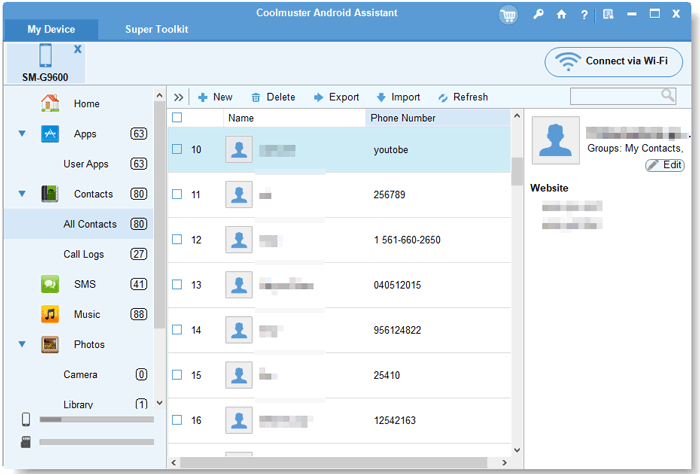
03Now, select one data type, and then preview your Android data. Then check the data you want to transfer, and click "Export" to save it to your computer. You can also import files from your computer to your mobile device.
Here's the video guide of this MobileGo alternative (11 minutes and 18 seconds):
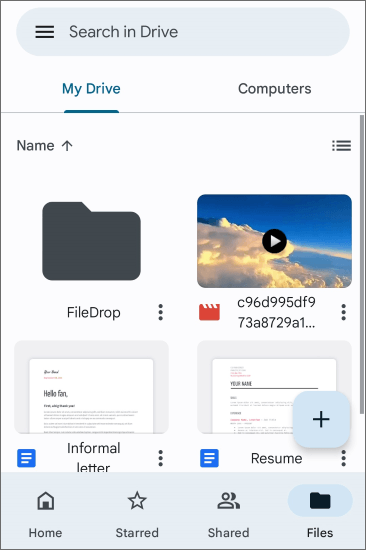
While Google Drive is primarily a cloud storage service, it doubles as an efficient Android device management tool. By syncing your files and data with your Google Account, you can easily access, back up, and restore your content from any Android device. Google Drive also offers seamless integration with other Google services, making it an excellent alternative for users who prefer cloud-based solutions over desktop software.
Pros:
Cons:
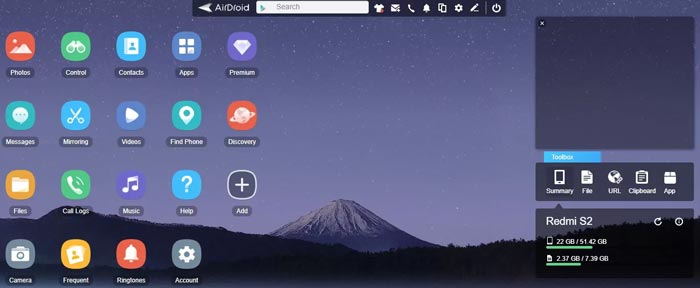
AirDroid Personal is a popular wireless Android manager that enables users to transfer files, access contacts, manage apps, and even mirror their device's screen to their computer. One of the unique aspects of AirDroid is its ability to mirror your Android screen to your desktop, allowing you to control your phone from your PC. This makes it a powerful alternative for users who want to manage their Android devices without needing to connect cables.
Pros:
Cons:
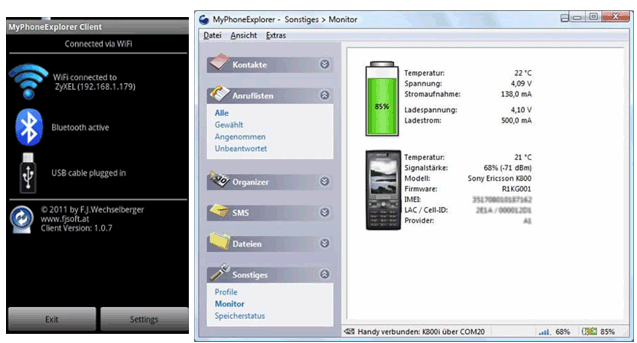
MyPhoneExplorer is a lightweight, free software that allows you to manage your Android device directly from your desktop. The tool lets you synchronize your contacts, calendar, messages, and even files between your Android phone and your computer. MyPhoneExplorer also supports both USB and Wi-Fi connections, offering flexibility in how you connect and manage your device.
Pros:
Cons:
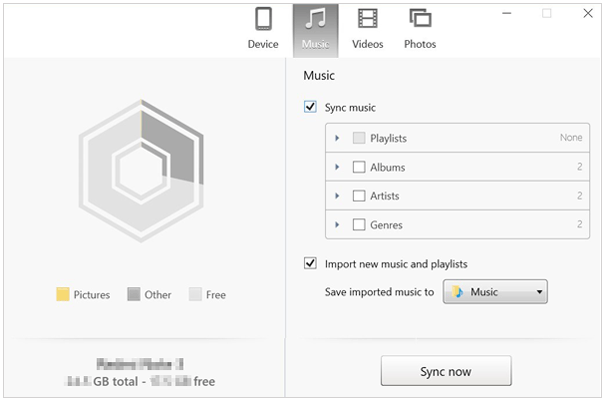
doubleTwist is mainly known for its ability to sync music and podcasts between your Android device and your computer. However, it's much more than a simple media manager. doubleTwist provides a comprehensive solution for syncing media files, organizing playlists, and even transferring photos and videos between devices. If you're looking for a tool to manage your media library on your Android device, doubleTwist is a top contender.
Pros:
Cons:
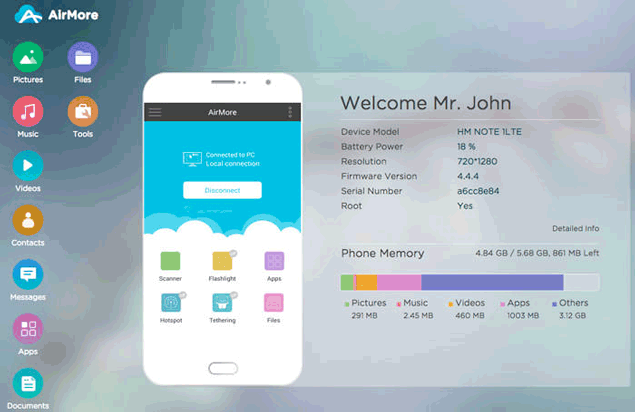
AirMore is another excellent wireless Android manager that focuses on providing a simple, browser-based interface for managing Android devices. Through its intuitive platform, users can transfer files, manage contacts, and even view their device's messages and call logs directly from a computer. Its easy setup and reliable file transfer speeds make it a worthy alternative to Wondershare MobileGo, especially for users who prefer wireless solutions.
Pros:
Cons:
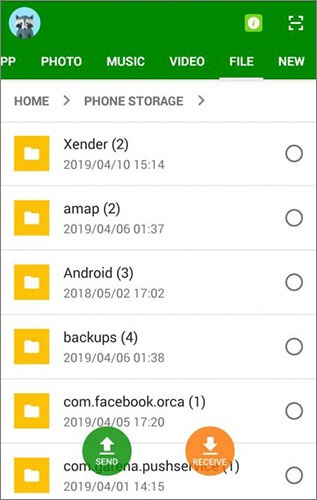
Xender is a well-known app for transferring files between Android devices, but it also offers desktop management features. Xender allows you to transfer and manage your files without the need for an internet connection. The app supports various file types, including documents, videos, and music, and enables fast transfers between devices, making it an excellent tool for those who need to quickly move data between Android phones and computers.
Pros:
Cons:
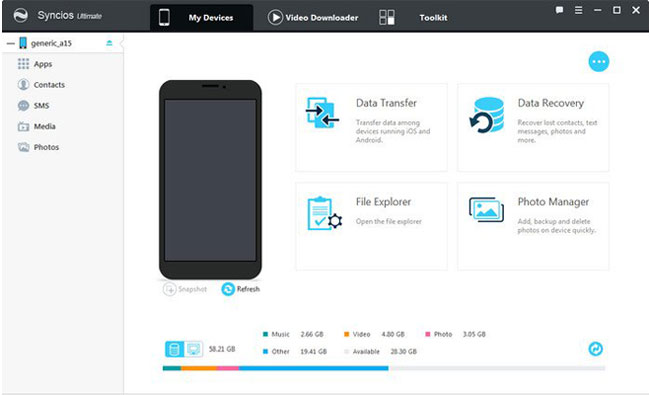
Syncios Manager for Android is a versatile device management tool that enables users to back up, transfer, and restore their Android data. The software offers a range of features, including the ability to manage apps, contacts, messages, photos, and videos.
It also comes with a built-in media converter that allows users to convert videos and music for playback on their Android devices. Syncios is an excellent alternative to Wondershare MobileGo, especially for users looking for a comprehensive tool with both management and conversion capabilities.
Pros:
Cons:
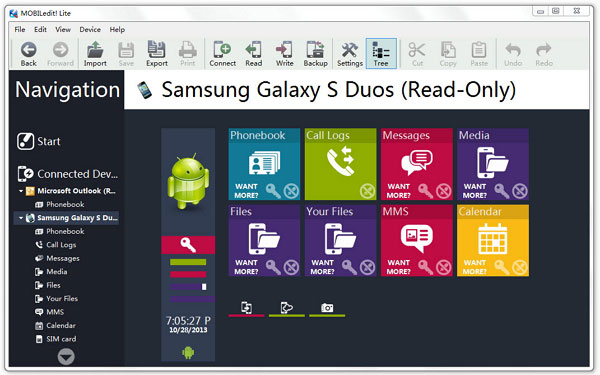
MOBILedit is a professional-grade phone management software that offers an advanced set of features for managing your Android device. With MOBILedit, you can organize your contacts, messages, call logs, photos, and apps.
It also allows for detailed phone backups, ensuring that your data is securely stored and easy to restore when needed. The software's multi-device compatibility and robust features make it an ideal choice for users who need a more powerful solution for managing their Android phones.
Pros:
Cons:
While Wondershare MobileGo for Android remains available, it is no longer updated, and there are plenty of viable alternatives on the market. If you want a comprehensive transfer and management tool, Coolmuster Android Assistant will be the best replacement. Simply put, each of the tools listed here provides a unique set of features, so the best choice depends on your specific needs.
Related Articles:
7 Best iQOO EasyShare Alternatives for Fast and Easy Data Transfer
Top 10 AirDrop Alternatives for Windows/Android
Updated Tenorshare ReiBoot Review: Is It Really Worth Using?
UltFone Transfer Review: Features, Pros, Cons, Price, and Alternative





 Free Download for PC
  Free Download for Mac


