TL;DR:
Looking for an Android unlock app? Different tools are designed for different situations. Some can help remove forgotten screen locks, while others focus on lock-screen customization, unlocking guides, or network restrictions. This article reviews the best Android unlock apps and tools, including their key features, pros, and cons, to help you choose the right solution for your device.
Android phones offer various ways to protect and access your device, from PINs and passwords to patterns and customized lock screens. However, forgetting your screen credentials, wanting a more personalized unlocking experience, or dealing with a carrier-locked device can make the unlocking process frustrating.
Fortunately, different Android unlock apps and tools are available for different situations. Some are designed to remove screen locks, while others customize the lock screen, provide unlocking guides, or help with SIM and network restrictions. However, with so many options available, choosing the right Android unlock app can be challenging. In this article, we'll explore some of the best Android unlock apps and tools, explain what each one does, and highlight their pros and cons so you can find the option that best fits your needs.
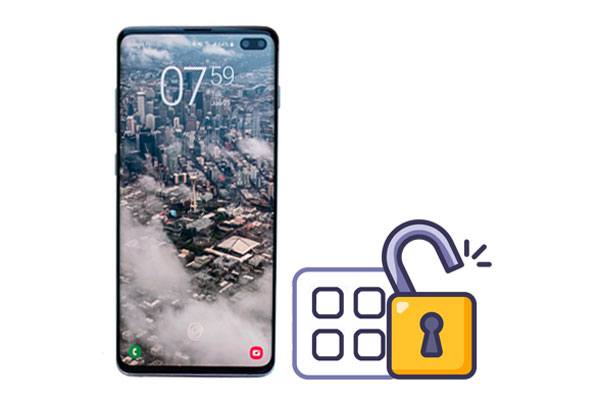
Best for: Removing Android Screen Locks
Android Unlock is a desktop-based Android unlocking tool developed for users who cannot access their phones because of a locked screen. It provides a guided way to regain access without requiring users to navigate complicated Android recovery procedures manually.
The software is particularly useful when conventional unlocking options are unavailable or when users need a dedicated solution for a locked device. It also includes a separate solution for another common Android security barrier, making it more versatile than apps that only modify the appearance of the lock screen.
Key Features
Pros
Cons
How to Use Android Unlock
01Download, install, and launch Android Unlock on your computer.
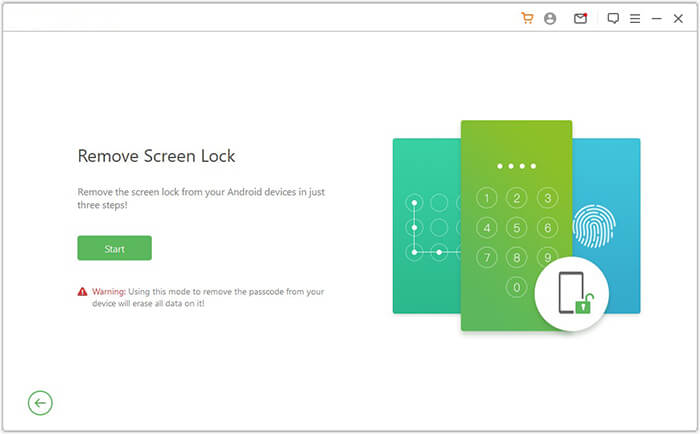
02Select "Remove Screen Lock" from the main interface and connect your Android phone to the computer with a USB cable.
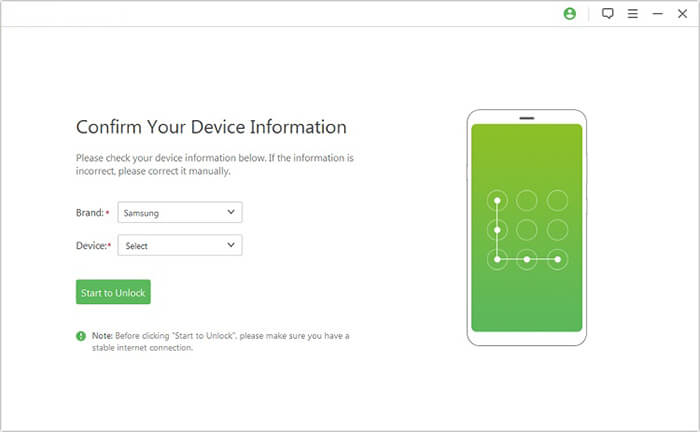
03Select your device model from the list and click "Start to Unlock".
04Follow the on-screen instructions to enter Download Mode. The program will automatically download and install the recovery package on your locked Android device.
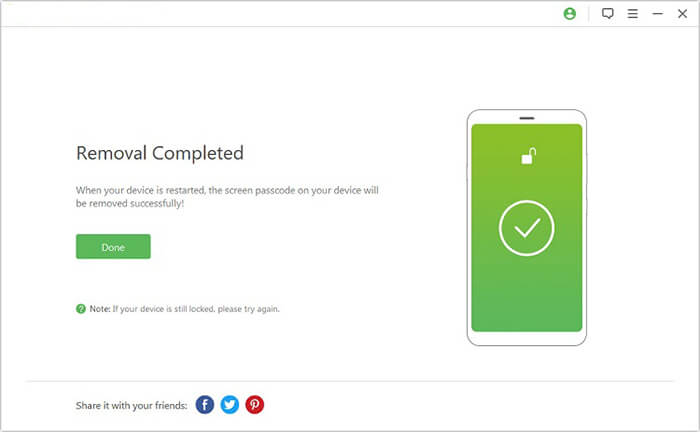
05After the recovery package is downloaded successfully, click "Remove Now" to remove the Android screen lock.
Best for: Customizable Lock Screens
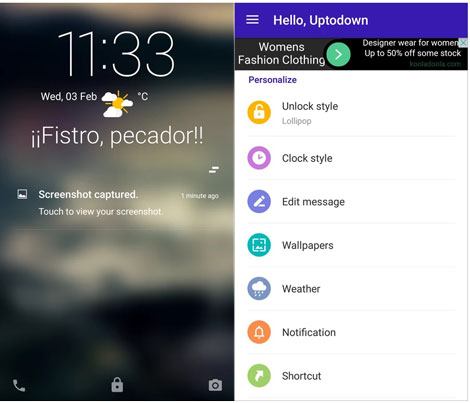
Hi Locker is a third-party lock-screen replacement app that was designed to give Android users an alternative to the default lock-screen experience. Rather than relying on the standard Android interface, it lets users create a more personalized way to interact with their phones.
The app is aimed at users who care more about the appearance and usability of their lock screen than recovering access to a device with a forgotten password. However, Hi Locker is no longer available on Google Play, so it is not an ideal choice for users looking for a currently supported app.
Key Features
Pros
Cons
Best for: Simple Swipe-Based Unlocking
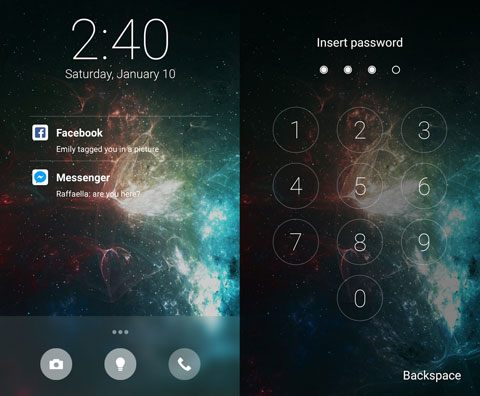
Slide to Unlock is a simple Android lock-screen app that lets you unlock your device by swiping across the screen. It focuses on providing a straightforward alternative to the standard Android lock-screen experience, making it suitable for users who prefer a simple gesture-based way to access their phones.
The app also offers HD themes and lets you personalize the lock screen with your own picture. It can be a practical choice for users who want a simple swipe-to-unlock experience while giving their lock screen a more personalized appearance.
Key Features
Pros
Cons
Best for: Android Unlocking Guides
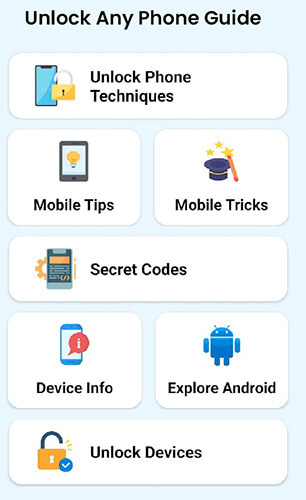
Unlock Any Phone Guide is an Android app that provides step-by-step instructions for dealing with forgotten PINs, passwords, and other phone-lock situations. Instead of functioning as a dedicated screen-lock removal tool, it brings different unlocking methods and recovery instructions together to help users find a suitable approach for their device.
The app covers various scenarios, including forgotten passwords, screen-lock settings, factory resets, and Android secret codes. It also provides screenshots and instructions for specific operations, making it more suitable for users who want to follow a guide rather than use dedicated unlocking software.
Key Features
Pros
Cons
Best for: IMEI and Network Unlocking
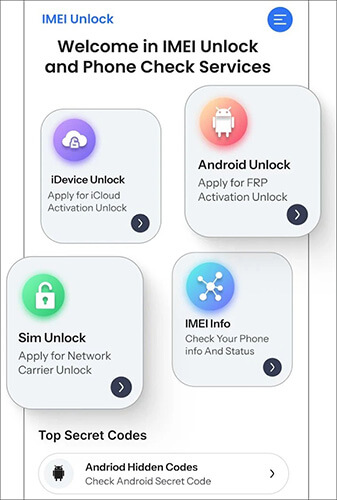
Unlock IMEI - Phone Unlock is a mobile utility designed for users who need help with phone and IMEI-related unlocking. It focuses on network compatibility and provides a relatively straightforward way for users to explore unlocking options without dealing with complicated procedures.
The app is designed with a simple interface and step-by-step guidance, making it accessible even for users without technical knowledge. It supports major phone brands and can be useful when dealing with network-related restrictions or other IMEI-related issues. (How to unlock a phone free with IMEI number?)
Key Features
Pros
Cons
Best for: Personalized Pattern Lock Screens
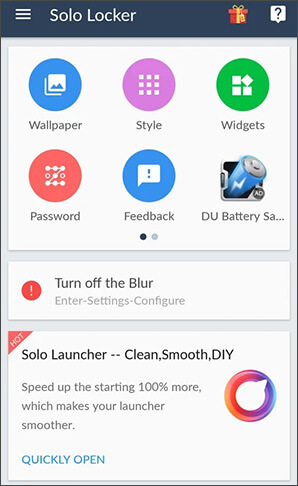
Solo Locker is an Android lock-screen customization app that lets users create a more personalized unlocking experience. Instead of using the traditional pattern-lock appearance, it allows users to replace the default pattern dots with custom images, giving the lock screen a more creative and unique look.
The app is designed for users who want to refresh the appearance of their Android lock screen rather than remove a forgotten password or bypass a device lock. With customizable themes, wallpapers, and image-based pattern designs, Solo Locker provides an easy way to make a standard lock screen more visually appealing.
Key Features
Pros
Cons
Choosing the right Android unlock app depends on the type of problem you want to solve. If you need to remove a forgotten PIN, password, or pattern lock, a dedicated unlocking tool like Android Unlock can provide a more direct solution. It is designed specifically for Android screen-lock removal and offers a guided unlocking process for supported devices.
Other apps in this list serve different purposes. Hi Locker, Slide to Unlock, and Solo Locker are mainly focused on customizing the lock-screen experience, while Unlock Any Phone Guide provides unlocking instructions and recovery methods. Unlock IMEI - Phone Unlock is intended for network and carrier-related restrictions rather than screen-lock removal. Before choosing an Android unlock app, make sure you understand the type of lock you need to address and check whether the tool supports your device.
Related Articles:
Top 6 Android Phone Unlocking Software in 2026 [Updated]
What If You Locked Out of Android Phone? 6 Easy Ways Help
Unlock Android Phone from PC: 3 Proven Methods that Work
How to Bypass Android Lock Screen Using Camera [Comprehensive Guide]




 Free Download for PC


